
Image to GIF Maker
Animate a photo with AI, or combine your own image sequence for free.
- Combining images is free, no sign-up
- 30 free AI credits after you verify your email
- AI GIFs from 20 credits, refunded if a job fails
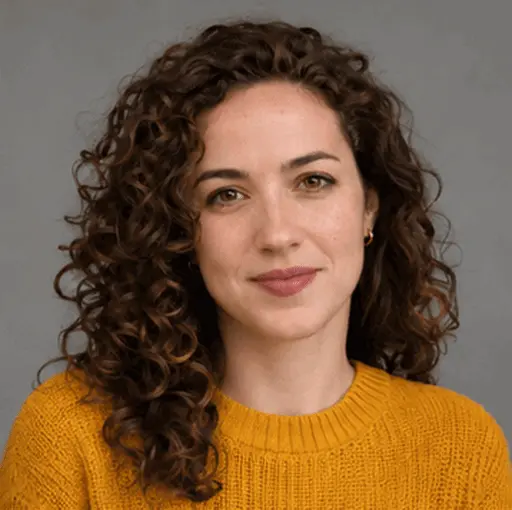
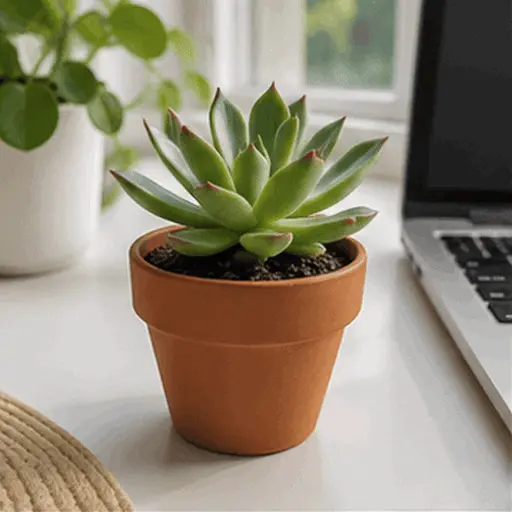
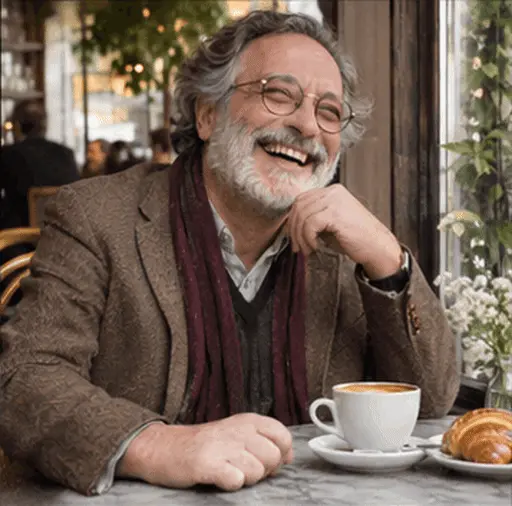
GIF examples
How to make a GIF from images
Choose a mode
Animate one photo with AI or combine a sequence of existing images for free.
Set motion or timing
For AI, describe one action and select a style. For a sequence, arrange the images and set frame duration and fit.
Review and download
Check the complete animation and download it. Review faces and small details before sharing AI results.
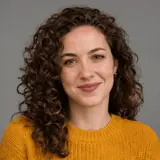
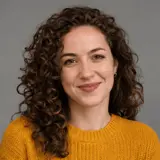
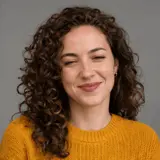
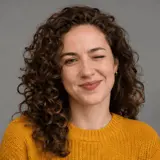
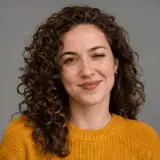
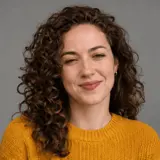
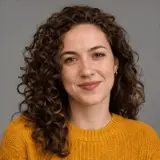
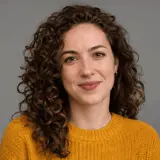
Photo to GIF: choose a photo with room to move
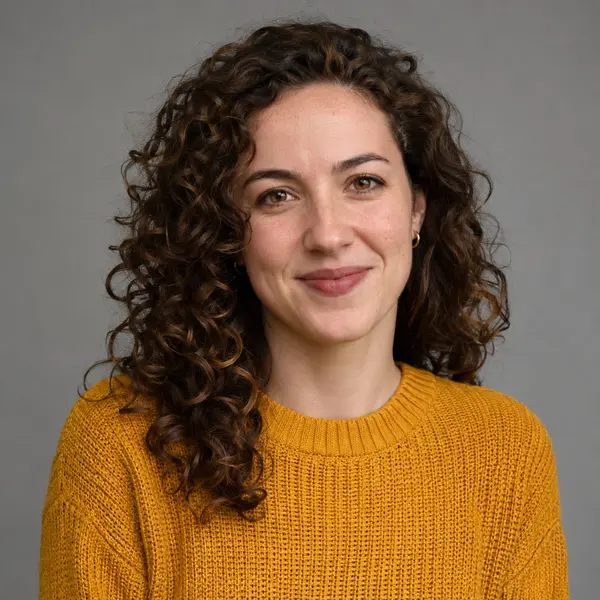
A single clear subject is easier to animate than overlapping people. Leave space around hands, hair or other moving features. Tiny faces, text-heavy posters and subjects hidden behind objects provide less usable visual information. For an exact sequence, use Combine images instead of asking AI to recreate the frames: it turns JPG, PNG and WebP images into a GIF in your browser, in the order you set.
| Feature | Free | Starter | Pro |
|---|---|---|---|
| Local width | 720px | 1080px | 1080px |
| Local duration | 15s | 60s | 60s |
| Local frames | 300 | 900 | 900 |
| AI jobs at once | 1 | 2 | 4 |
| AI jobs per day | 10 | 100 | 250 |
| Saved GIF retention | 7 days | 90 days | 365 days |
| Photos per AI batch | 1 | 1 | 4 |
| Local watermark | None | None | None |
| AI watermark | Included | None | None |
| Maximum GIF file | 30 MB | 30 MB | 30 MB |
Image to GIF Maker FAQ
What is the difference between the two image modes?
Animate a photo uses AI to invent motion from one reference and a prompt. Combine images makes a sequence from the exact images you supply, without AI. Combining is local, free and watermark-free.
How many images can I combine?
Choose 2–50 JPG, PNG or WebP images. Reorder them by dragging or with the earlier/later buttons. Each file must be smaller than 10 MB. The total sequence must also fit your plan’s duration and frame budget.
Which photo works best for AI animation?
Use a clear subject with visible features, adequate lighting and space around the action. Avoid a subject hidden behind another person, a very small face or a crop that removes the moving body part. Your photo must have an edge of at least 320px and fit the upload limit.
Can I describe the motion?
Yes. A short action such as a wave, a wink or gently moving hair is more specific than a general request to animate everything. Keep the desired subject and background clear. The motion prompt is optional; the selected style still guides the animation. Pro can submit up to 4 photos together, with a separate GIF and credit charge for each photo.
Can AI GIFs have a transparent background?
The current GPT Image 2.6 GIF endpoint requires an opaque background. Local image sequencing supports transparent pixels when you enter transparent as the background. GIF transparency is one-bit, so partially transparent edges may appear harder than they do in the original image.
How do images with different dimensions fit?
The first frame defines the output aspect before cropping. Contain preserves the whole image and uses the chosen background around it. Cover fills the frame and crops overflow. Use the same aspect ratio for all images when consistent edges matter.
Does AI preserve a person exactly?
No. Generated movement can change details or identity. Use photos you have permission to process and review the full animation before sharing it. Do not use this service for impersonation or sexualized depictions of someone without consent.