
Free GIF Resizer
Set exact dimensions, scale by percentage or resize for an emoji.
- Runs in your browser, no upload
- Keeps animation, timing and transparency
- No watermark or sign-up
How to resize a GIF
Choose your GIF
Select one animated GIF from your device. Check its original dimensions, frame count, duration and file size.
Set the output size
Enter pixel dimensions, select a percentage or choose a platform preset. Preview the crop, transparent padding or stretch before resizing.
Resize and download
Select Resize GIF, compare the original and output dimensions and file sizes, then download the resized animation.
Resize options
Pixels
Enter the exact width and height needed for your destination. Lock aspect ratio adjusts the other dimension automatically. Unlock it to choose a different shape and preview the fit.
Percentage
Scale both dimensions together from 10% to 200%. The preview shows the resulting pixel dimensions before encoding.
Presets
Choose a Discord, Slack or Twitch size to set both dimensions at once. The preset sets dimensions; the result still needs to meet the platform’s separate file-size and frame limits.
Crop to fill, Fit inside or Stretch
Crop to fill centers the animation and removes the edges that extend beyond the target rectangle. Fit inside preserves the entire picture with transparent padding. Stretch fills the rectangle by changing the proportions. Square presets use a centered crop by default.
GIF sizes for Discord, Slack and Twitch
| Use | Dimensions | File limit | Frames |
|---|---|---|---|
| Discord emoji | 128×128 | 256 KB | — |
| Discord sticker | 320×320 | 512 KB | — |
| Slack emoji | 128×128 | 128 KB | — |
| Twitch emote | Square, at least 112×112 for auto-resize upload | 1 MB | At most 60 |
Resize or compress?
Resizing changes the pixel dimensions. Compression can reduce file size at the same dimensions by changing colors, frame representation or frame count. Use resizing when your destination requires a smaller width or height. A dimension preset alone cannot guarantee a file-size target.
How resizing changes file size
Halving both width and height leaves roughly one quarter of the pixels in each frame. Encoded file size also depends on the palette, frame changes and existing optimization, so the byte reduction will vary. Re-encoding an already optimized GIF can even produce a larger file. Compare the actual sizes shown after processing.
GIF Resizer FAQ
Will my GIF keep its animation, timing and transparency?
Yes. Resizing keeps every frame, its delay and the GIF’s loop count. Transparent pixels remain transparent. GIF supports fully transparent or opaque pixels, so resized edges may look different.
Does resizing reduce image quality?
Shrinking removes pixels and fine detail. Large reductions use several smaller scaling steps to smooth the result. Enlarging cannot recover missing detail and may look soft. The output is re-encoded with a GIF palette, which can change some colors.
How do I resize a GIF for a Discord emoji?
Choose Preset, then Discord emoji 128×128. Crop to fill creates a square image; Fit inside adds transparent padding. Discord emoji files must also be 256 KB or less. Check the actual result size before uploading.
What is the maximum GIF file size?
Choose one GIF of up to 50 MB. The browser also checks dimensions and frame count before decoding. GIFs above 4,194,304 pixels per frame or 64,000,000 pixel-frames are rejected. Output files must be 30 MB or less.
Will my GIF be uploaded?
Resizing runs locally in your browser. Selecting, previewing and downloading a GIF require no upload or account. Signed-in users can choose Save to My GIFs to upload the finished file to their private library.
Why is the resized GIF still above the platform file limit?
Dimensions and file size are separate limits. Many frames, detailed textures and changing colors can produce a large GIF even at emoji dimensions. Try a smaller size. The displayed result reports the actual encoded file size.
Can I enlarge a GIF?
Yes. Percentage mode supports 10%–200%, and Pixels mode accepts exact dimensions. Enlarged exports allow a longest side of 720px on Free and 1080px on Starter or Pro. Reducing both dimensions is allowed even when the result remains above your plan’s enlargement limit, within the browser safety budget.
Can I cancel a resize?
Yes. Cancel stops encoding and discards the unfinished output. Your selected GIF and settings remain available for another attempt.
GIF resize examples
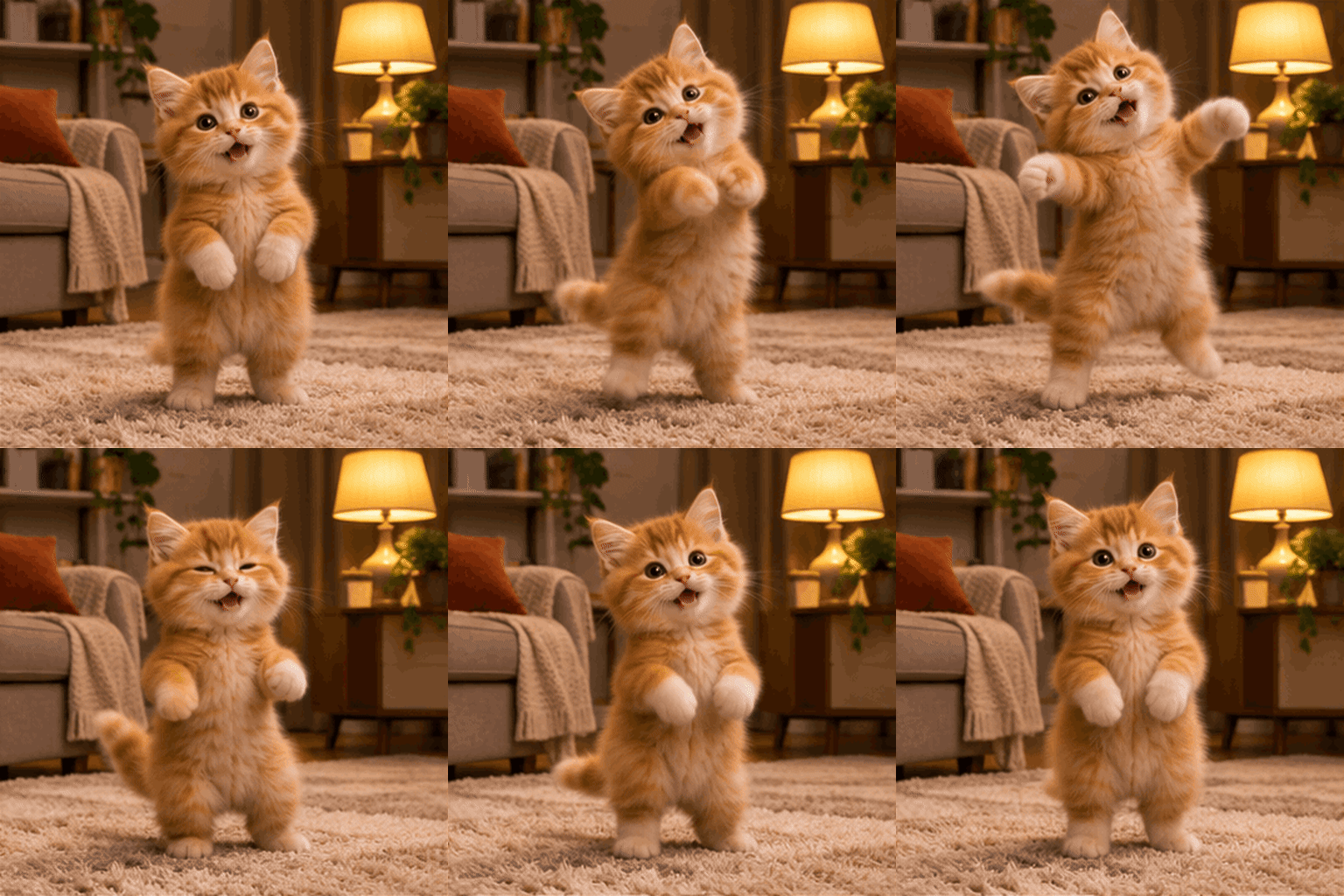
Original · 512×512 · 2048.0 KB

Resized · 128×128 · 122.0 KB

Original · 512×510 · 2017.9 KB

Resized · 320×319 · 452.8 KB

Original · 512×512 · 1532.4 KB

Resized · 128×128 · 57.3 KB
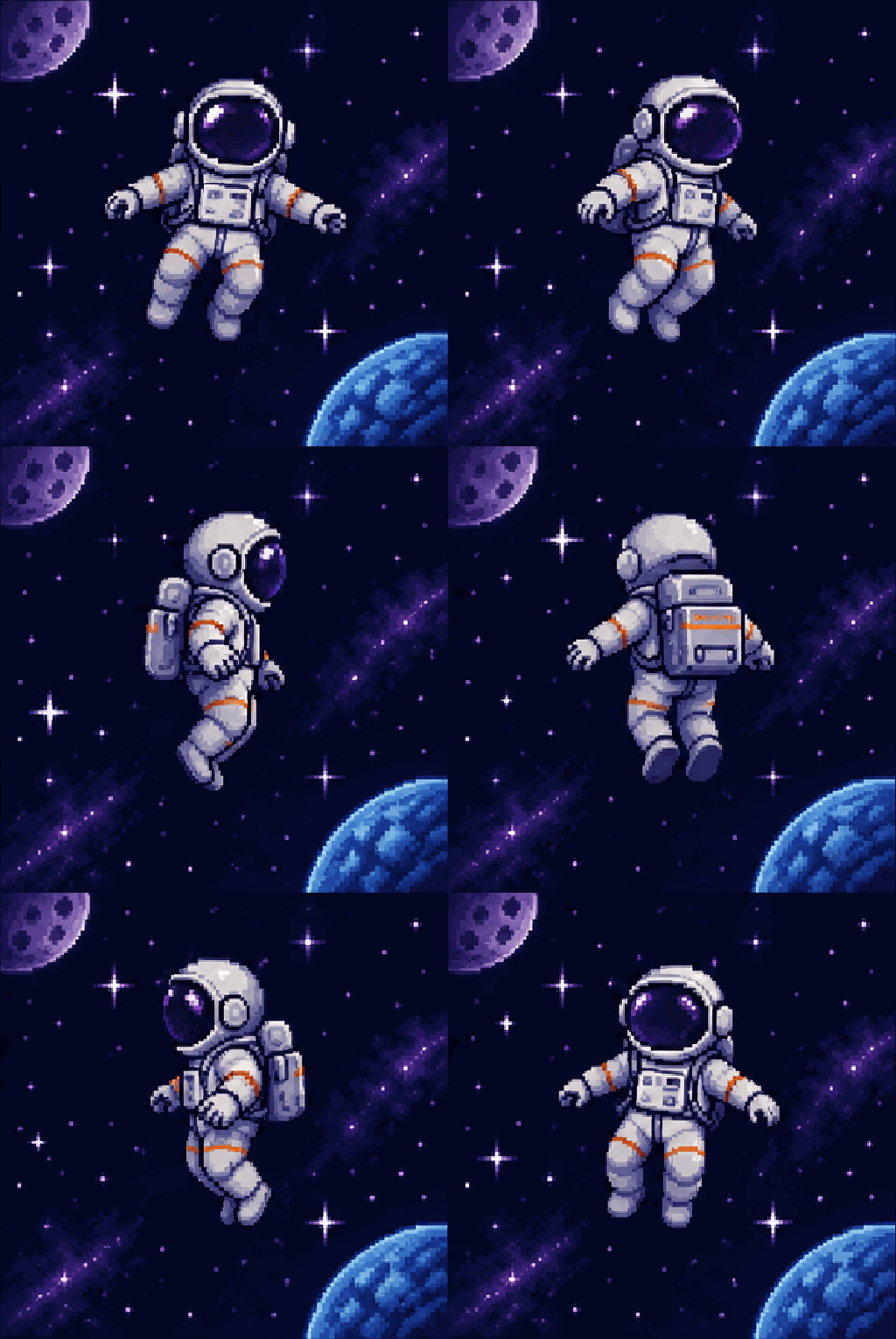
Original · 512×510 · 739.7 KB

Resized · 112×112 · 57.3 KB