
GIF Meme Maker
- Top and bottom meme text
- Free in your browser, no watermark
- Or generate an original GIF with AI
Templates · Made with AIGifsMaker
Need a whole meme pack?
GIF input up to 50 MB. Local export up to 30 MB.
How to make a meme GIF
Choose your animation
Open Caption a GIF to choose a file from your device or select an AIGifsMaker template. Use Generate with AI when you want a new reaction instead of an existing animation. For AI generation, describe the subject and its action, then choose a visual style.
Write the meme text
Enter the setup in Top text and the response in Bottom text, or leave either field empty for a single caption. Uppercase is on by default. In local mode, the preview updates as you type so you can check the lettering against the animation before exporting.
Make and share your GIF
Select Make meme GIF for local captioning, or sign in and generate the AI reaction for the displayed credits. Review the finished animation and download it. Resize or Compress opens the result in the corresponding tool without choosing the file again.
Caption a GIF or generate one with AI
Caption a GIF suits an animation that already says what you need: a reaction from your own footage, an original character loop or one of the templates on this page. It adds text to every frame while preserving the source dimensions, frame timing and loop behavior. Your chosen file is read locally, and the captioned result is created in your browser. You do not need an account to download it.
Generate with AI suits a reaction that you do not already have. You supply the scene description and meme text separately. The existing AI generation service creates the animation; the browser then adds your approved captions. AI generation requires an account and credits, and Free-plan results receive the AIGifsMaker brand watermark. The cost appears beside the generation action before you submit.
| Setting | Caption a GIF | Generate with AI |
|---|---|---|
| Price | Free | 20 credits · Standard, 8 frames |
| GIF input | Up to 50 MB | Text description |
| Export limit | 30 MB | |
| Meme text | 60 characters per field | |
| Watermark | None added | Included on Free |
Writing meme text that reads at chat size
Treat the top and bottom fields as separate parts of the joke. The top can establish a situation; the bottom can supply the reaction or contrast. A short setup often leaves more of the expression visible than a complete paragraph. If the animation already makes the situation clear, use only the bottom field. Both fields are optional individually, and each accepts up to 60 characters.
Uppercase creates the familiar bold meme treatment, but sentence case can make a longer phrase easier to read. Both settings use the self-hosted Anton typeface, white lettering and a black outline. The layout calculates wrapping and font size independently for each caption. It reserves separate top and bottom bands and keeps bottom text clear of the brand watermark on applicable AI exports.
A large editor preview is not the same as the small image someone sees in a chat. Review your exported GIF at the size you intend to share. Shorten lines if the punchline needs several seconds to read, and avoid covering the part of the face or gesture that carries the reaction. The tool cannot restore letters or details lost when you later shrink the entire animation.
Meme text to GIF: describing the reaction
For the AI meme GIF generator, describe one subject performing one clear action. A character raising an eyebrow, a plant swaying or an astronaut slowly covering their face gives the animation a specific task. Add only the appearance details that matter and keep the background simple. The style selector controls the overall treatment, while your description explains what should move.
Keep the words you want viewers to read in Top text and Bottom text. The generation prompt instructs the image model not to draw lettering into the scene. The captions are rendered afterward, which keeps their spelling, placement and outline under the tool’s control. Your reaction description and meme text are reviewed together before the generation is admitted.
AI outputs are interpretations rather than exact reproductions of an imagined scene. Check the subject, movement and loop before sharing. A failed generation follows the existing credit-refund rules. Stopping the wait in your browser does not withdraw an accepted job; you can resume checking it or find the result in My GIFs. A saved generation draft also preserves your text during sign-in.
Sharing on Discord, Slack and more
A captioned GIF may still need different dimensions or a smaller file for its destination. Use Resize for exact dimensions, a centered crop or transparent padding. Use Compress when the dimensions are already appropriate and the file needs fewer bytes. These are separate checks: reaching a file-size target does not establish that a GIF meets a platform’s dimensions or frame-count requirements.
Adding lettering requires re-encoding the animation. Its file size can grow or shrink depending on the original encoding and the new pixels. The result card reports the measured size, not a promised reduction. Compare the text after any later compression, particularly if you reduce the palette, remove frames or make the image substantially smaller.
| Use | Dimensions | File limit | Frames |
|---|---|---|---|
| Discord emoji | 128×128 | 256 KB | — |
| Discord sticker | 320×320 | 512 KB | — |
| Slack emoji | 128×128 | 128 KB | — |
| Twitch emote | Square, at least 112×112 for auto-resize upload | 1 MB | At most 60 |
Use original GIFs
Every starter template on this page comes from an actual GIF generated with AIGifsMaker. They are our own published reaction assets, rather than scraped movie scenes or other creators’ meme libraries. Selecting a template downloads that published GIF into the local editor. The captioning operation then runs in the same way as it does for a file you choose yourself.
For uploads, use a GIF you own or have permission to adapt and share. Adding text does not transfer ownership of the source material or remove another person’s rights. Your captions and source material must follow the Acceptable Use policy. Review the complete result before posting it publicly.
GIF Meme Maker FAQ
Is this GIF meme maker free?
Caption a GIF is free and works without sign-in. Generate with AI requires a signed-in account and the credits displayed beside the generation button.
Will the meme GIF have a watermark?
Local captioning adds no watermark. Free-plan AI results include the AIGifsMaker brand watermark; eligible paid plans do not. Existing marks in an uploaded GIF are not removed.
Will my GIF be uploaded?
Local captioning reads the GIF on your device and exports it in your browser. AI mode sends your description and meme text for safety review and uses the configured generation service to create a new GIF.
Can I add only one line of meme text?
Yes. Leave Top text or Bottom text empty. Each field supports up to 60 characters, and longer phrases wrap within their own caption band.
Why does the AI mode use credits?
AI mode requests a newly generated animation. It uses the same generation pricing, concurrency limits and failed-job refund rules as the other AI GIF tools. Local text rendering does not use generation credits.
Can I make a whole meme pack?
Yes. The Bulk GIF Maker link carries your current reaction description and meme text into a project draft. There you can plan, edit and generate a coordinated set, then download the ready GIFs as a ZIP.
Can I cancel an export?
Yes. Cancel stops local rendering without changing the source GIF. In AI mode, Stop waiting stops the browser’s wait or rendering; an already accepted generation continues and can be resumed.
Meme GIF examples
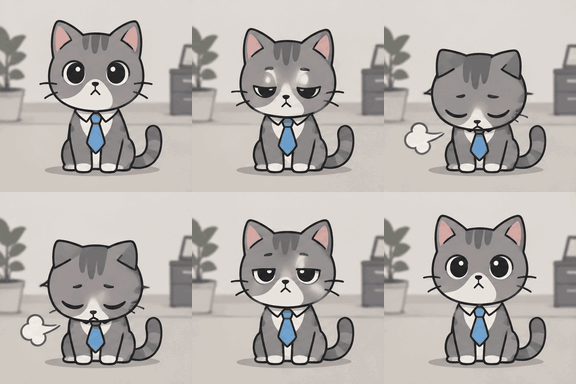
Original · 129.4 KB
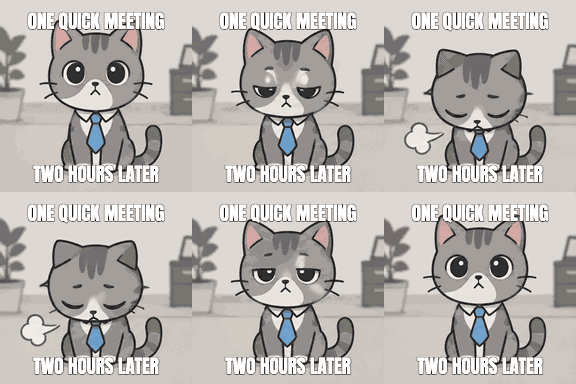
Meme · 75.3 KB
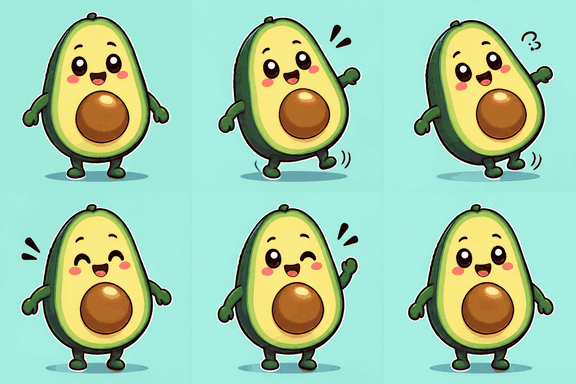
Original · 106.4 KB
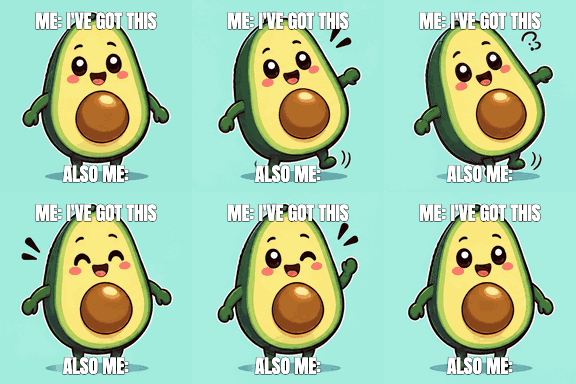
Meme · 85.6 KB
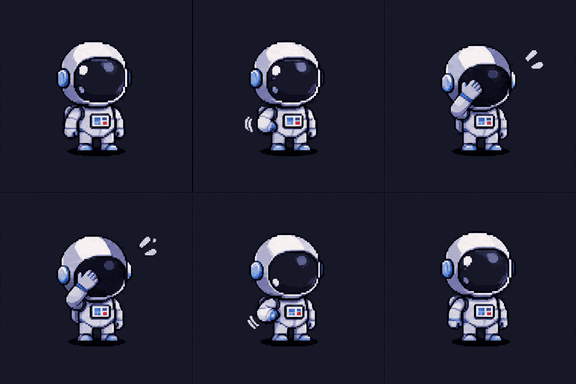
Original · 69.9 KB
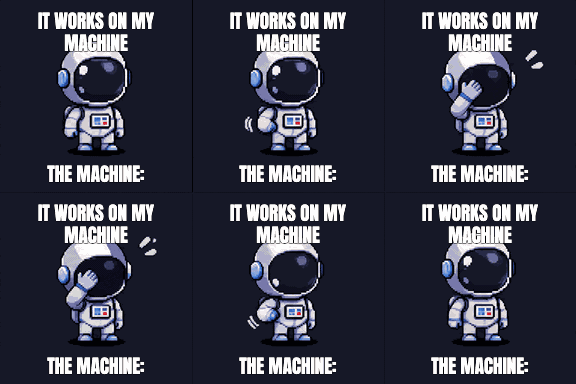
Meme · 50.7 KB
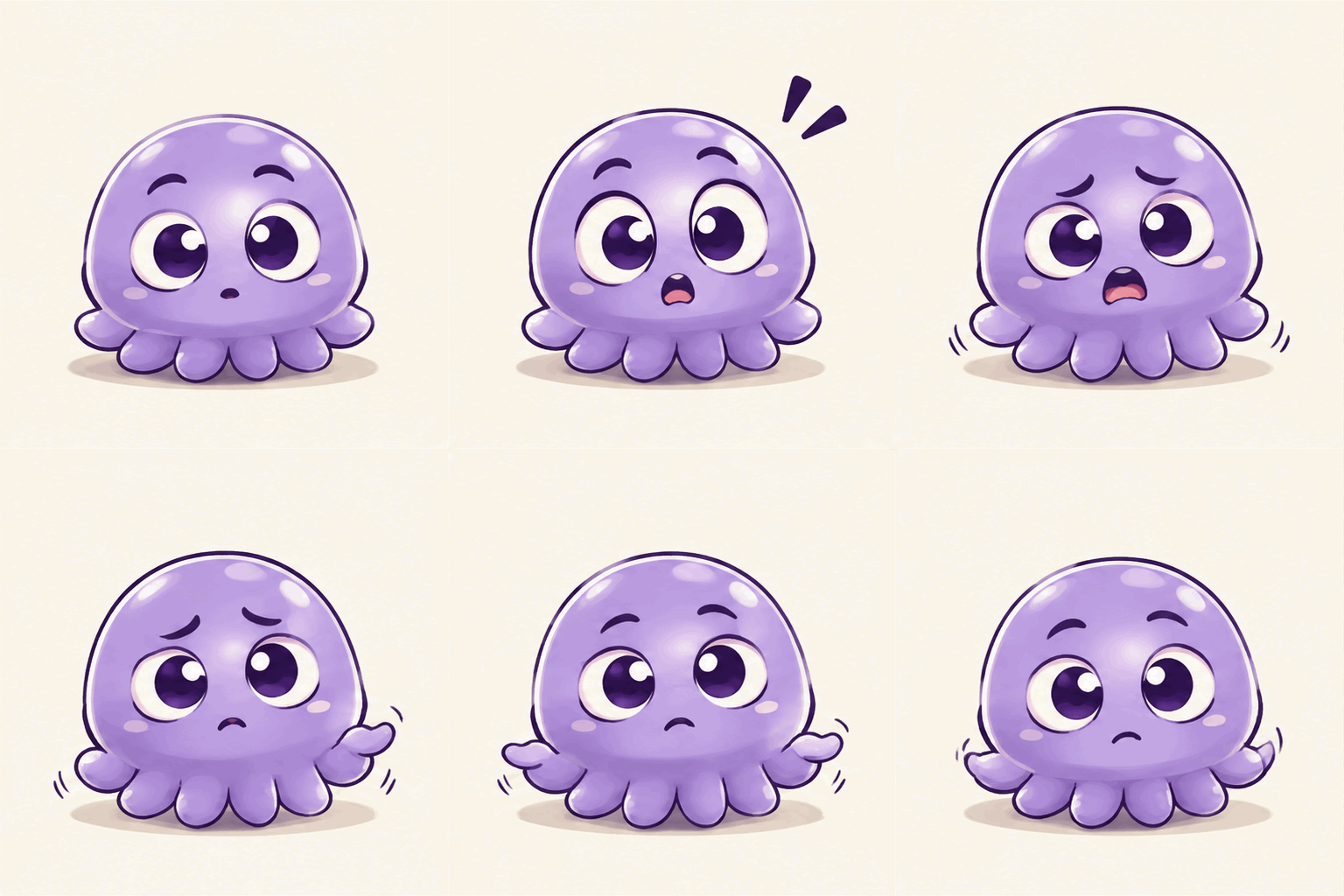
Original · 521.2 KB
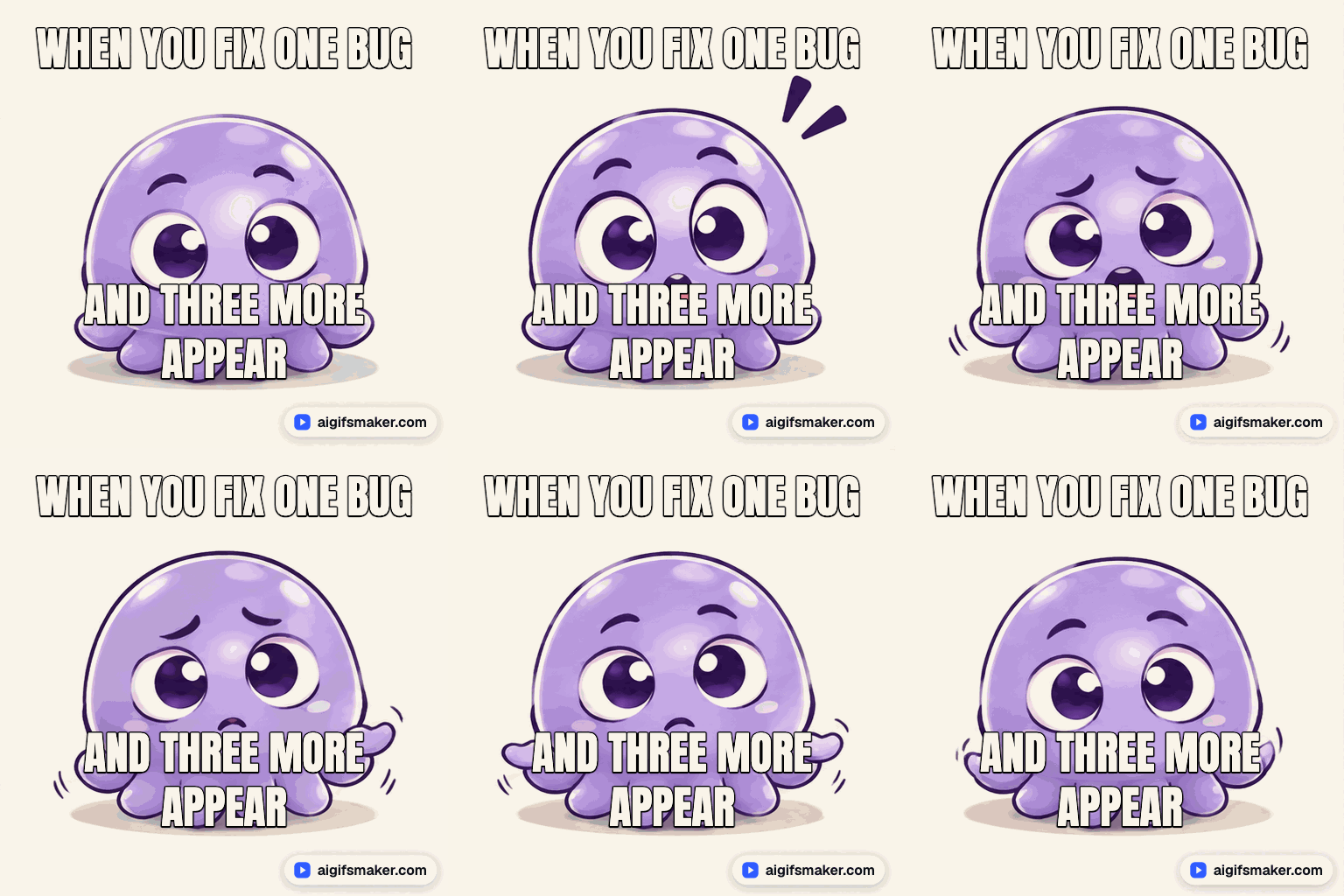
Meme · 307.4 KB